
Transforming a room, whether for a client presentation or your own home, traditionally required significant time, specialized software, and a vivid imagination. The process of visualizing new furniture, color palettes, and layouts was often abstract and inaccessible without professional help. Today, AI-powered tools have completely changed this dynamic, offering an efficient and intuitive way to generate photorealistic design concepts in minutes. These applications allow you to upload a photo of your space and instantly see it reimagined in countless styles, from modern minimalist to rustic farmhouse.
This guide provides a comprehensive analysis of the best AI room design apps and platforms available. We move beyond simple feature lists to offer a practical evaluation tailored to specific user needs. Whether you are a homeowner seeking inspiration, an interior designer needing rapid visualizations for clients, or a real estate agent staging a property virtually, this resource will help you identify the perfect tool.
Each review is structured for clarity and quick comparison, covering essential details such as:
- Core Features: Analysis of capabilities like photo-to-render, clutter removal, and furnishing.
- Performance: Speed and image quality, including maximum resolution outputs.
- Pricing & Licensing: A clear breakdown of tiers and commercial use permissions.
- Ideal User: Recommendations for homeowners, designers, and real estate professionals.
We delve into the strengths and limitations of each platform, providing screenshots and direct links to help you make an informed decision. Our goal is to equip you with the insights needed to select the right AI design partner for your project, saving you time and streamlining your creative workflow. We will explore a range of options, from free, accessible tools like IKEA Kreativ to professional-grade platforms such as RoomStudioAI, ensuring you find the best fit for your specific requirements.
1. RoomStudioAI
Best For: Photorealistic Redesigns and Actionable, Shoppable Concepts
RoomStudioAI positions itself as a powerhouse in the AI design space by focusing on one critical element: realism that respects reality. Unlike tools that generate beautiful but structurally disconnected concepts, its core strength is transforming your actual room photos into high-fidelity redesigns while meticulously preserving the original layout, perspective, and lighting. This makes it an exceptionally practical tool for anyone who needs to visualize changes in an existing space, from homeowners to professional designers and real estate agents. The platform’s ability to produce these results in under 30 seconds makes it a standout for rapid, iterative design exploration.
One of its most compelling features is the integrated visual search, which bridges the gap between inspiration and implementation. After generating a design, the "shop the look" function identifies furniture and decor within the image and finds visually similar, purchasable items from major retailers like Amazon and Wayfair. This transforms a simple render into a concrete, actionable shopping list, a significant advantage for users who want to bring their vision to life without endless searching.
Core Strengths and Use Cases
RoomStudioAI’s versatility makes it a strong contender for the best AI room design app, serving a wide range of needs with specialized features. Its engine is not just limited to re-furnishing but extends to clutter removal, virtual staging, and even exterior design concepts.
- Photorealistic Staging: Real estate agents can upload photos of empty or dated rooms and instantly generate fully furnished, modern visuals for marketing materials. The high-resolution 4K export option (available on the Enterprise plan) ensures these images are crisp enough for professional listings and print.
- Rapid Client Visualization: Interior designers can convert a client's room photo into multiple style concepts during a consultation. The collaboration features, which allow sharing via private links for feedback, streamline the approval process and save hours previously spent on manual rendering or Photoshop edits. You can explore a variety of professional applications and see how interior designers leverage the tool.
- Sketch-to-Reality: For initial brainstorming, the sketch-to-visual feature allows users to upload a rough drawing and see it rendered as a realistic space. This is invaluable for conceptualizing layouts before a single piece of furniture is considered.
Pricing and Plans
RoomStudioAI offers a transparent, credit-based subscription model catering to different usage levels. All plans come with secure storage and straightforward cancellation policies.
| Plan | Price/Month | Designs/Month | Max Resolution | Commercial Use |
|---|---|---|---|---|
| Studio | $15 | 20 | 2K | No |
| Pro | $49 | 110 | 2K | Yes |
| Enterprise | $90 | 300 | 4K | Yes |
Pros:
- Blazing-fast renders (under 30 seconds) that preserve room layout and perspective.
- "Shop-the-look" visual search connects designs to real furniture.
- Supports interiors, exteriors, and sketch-to-render workflows.
- Team collaboration features and high-resolution 4K exports for professional use.
- Transparent, tiered pricing with clear commercial usage rights on Pro and Enterprise plans.
Cons:
- Designs are credit-limited and reset monthly; 4K exports use extra credits.
- Final result quality is dependent on the clarity and lighting of the source photo.
- Visual search finds similar, not always exact, furniture matches.
Website: https://roomstudioai.com
2. IKEA Kreativ (IKEA U.S.)
IKEA Kreativ leverages AI and computer vision technology to bridge the gap between online browsing and in-home reality, making it one of the best AI room design apps for those committed to the IKEA ecosystem. Its standout feature is the Scene Scanner, which uses your phone's camera to capture a panoramic view of your room and convert it into a manipulable 3D space.
Once your digital twin is created, you can erase your existing furniture with a single click and begin placing true-to-scale 3D models of IKEA products. This functionality removes the guesswork, ensuring that a new KLIPPAN sofa or BILLY bookcase will actually fit as you envision. For users seeking inspiration, Kreativ also offers over 50 interactive, pre-designed 3D showroom templates to experiment with. The platform is entirely free to use, and a direct integration with the IKEA U.S. catalog allows for a seamless transition from design to purchase.
Key Features and User Experience
- Core Functionality: Room scanning to 3D replica, furniture removal, and placement of true-to-scale IKEA products.
- Ideal User: Homeowners and renters planning a room makeover exclusively with IKEA furniture. It is also a practical tool for DIY enthusiasts who want to visualize scale and fit accurately before buying.
- Pricing: Completely free.
The mobile app is required for the initial room scan, but further editing and browsing can be done on a desktop. While the tool is powerful for its intended purpose, its primary limitation is its brand-specific catalog.
| Feature | IKEA Kreativ |
|---|---|
| Primary Use Case | Visualizing IKEA products in your actual space |
| Pros | Free, accurate scaling, direct path to purchase |
| Cons | Limited to IKEA's catalog, scanning requires iOS/Android app |
| Website | ikea.com/us/en/ |
3. Wayfair Decorify
Wayfair Decorify is a browser-based generative AI tool that excels at providing instant, shoppable design inspiration. It streamlines the redesign process by allowing users to upload a photo of their room and see it reimagined in various styles like “Traditional,” “Bohemian,” or “Mid-Century Modern.” This makes it one of the best AI room design apps for those who want to quickly explore aesthetic possibilities without manual design work.
The platform’s key strength is its seamless integration with Wayfair’s extensive retail catalog. Each AI-generated image features furniture and decor that are directly shoppable from the site, creating a frictionless path from inspiration to purchase. You can simply click on an item in your new design to view its product page. The tool is free and accessible on both desktop and mobile, requiring only a photo upload to begin generating ideas. This makes it an ideal starting point for anyone seeking new living room ideas backed by a massive, ready-to-ship inventory.
Key Features and User Experience
- Core Functionality: Photo-to-render redesigns in multiple decor styles with direct links to purchase products from the Wayfair catalog.
- Ideal User: Homeowners and renters looking for quick, AI-driven inspiration tied to a major retailer. It is also perfect for impulse decorators who want to see a new look and buy it immediately.
- Pricing: Completely free.
The user experience is incredibly straightforward, with no design skills required. While the tool is excellent for style exploration, its reliance on Wayfair’s inventory means the generated designs are inherently brand-specific, similar to IKEA’s platform.
| Feature | Wayfair Decorify |
|---|---|
| Primary Use Case | Generating shoppable design concepts from a room photo |
| Pros | Free, zero learning curve, direct inspiration-to-purchase path |
| Cons | Designs are limited to Wayfair's inventory, less user control |
| Website | wayfairnext.com/Decorify |
4. Houzz (Visual Match + View in My Room + Marketplace)
Houzz operates as a comprehensive ecosystem for home design, combining a massive product marketplace with powerful AI and AR visualization tools. While not a full redesign generator, its strength lies in product discovery and practical application, making it one of the best AI room design apps for those moving from inspiration to purchase. The standout AI feature is Visual Match, which uses deep learning to identify furniture and decor in any photo and find visually similar items available for sale in its marketplace of over six million products.
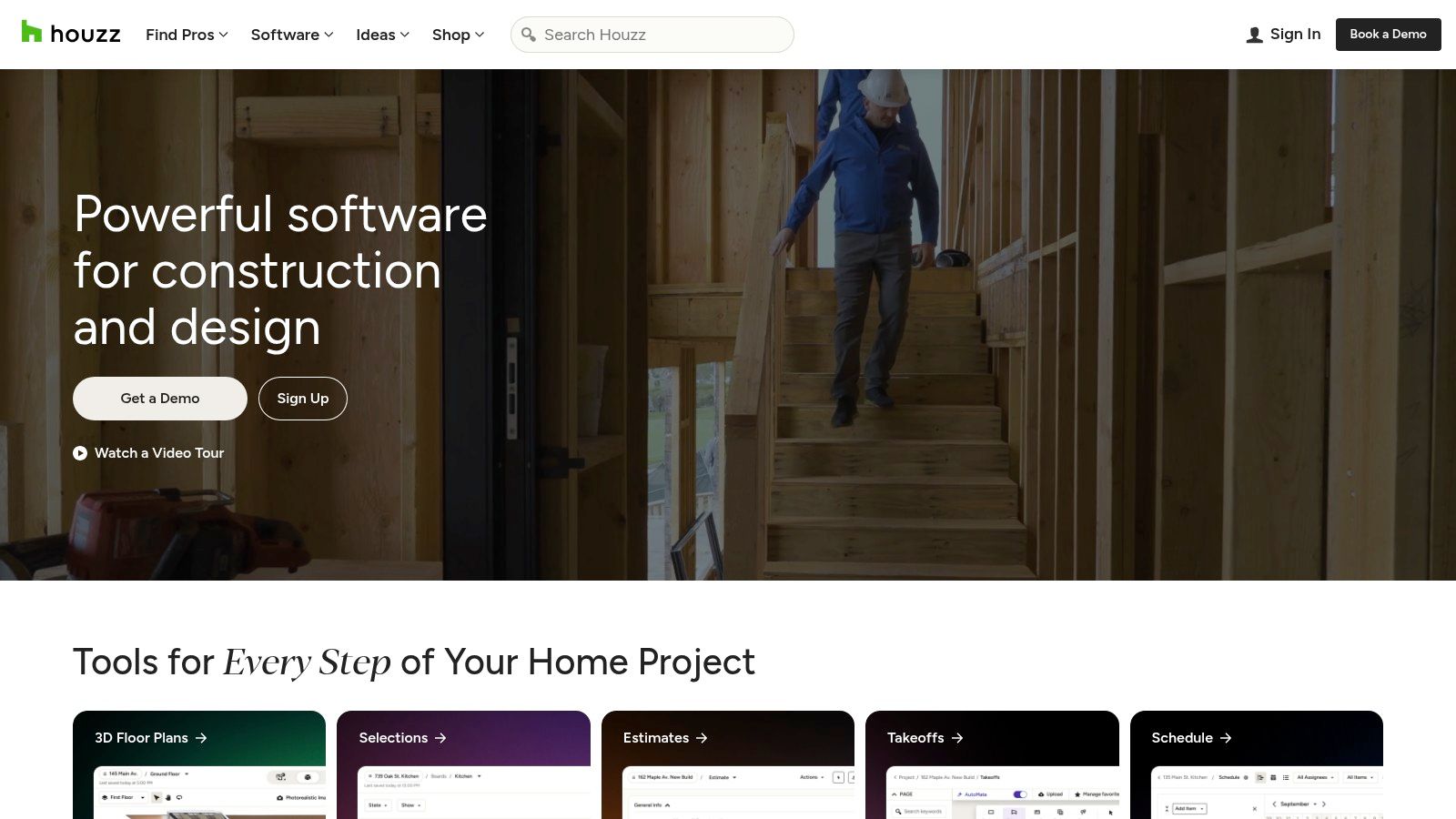
This functionality is complemented by the "View in My Room 3D" augmented reality feature, which allows users to place true-to-scale 3D models of these products directly into their own space using their phone's camera. This combination closes the loop from seeing an item you love in an inspiration photo to realistically visualizing it in your home and purchasing it from a vetted merchant. The platform is free to use and also includes extensive professional directories and user reviews.
Key Features and User Experience
- Core Functionality: AI-powered product recognition from photos, AR product visualization in your room, and an integrated marketplace.
- Ideal User: Homeowners and DIY enthusiasts who need to find and visualize specific products before buying. It is also a valuable resource for designers sourcing items from a wide range of verified vendors.
- Pricing: Free to use; product prices vary by merchant.
The platform excels at connecting visual inspiration with tangible, purchasable products from thousands of merchants. Its main limitation is that it focuses on visualizing individual items rather than generating a complete, AI-driven room redesign from a single photo.
| Feature | Houzz |
|---|---|
| Primary Use Case | Discovering and visualizing real products in your home |
| Pros | Huge marketplace, combines inspiration and purchase, reliable reviews |
| Cons | Not a full AI redesign generator, product availability varies |
| Website | https://www.houzz.com/ |
5. Planner 5D
Planner 5D is a versatile, cross-platform design suite that effectively balances powerful AI automation with in-depth manual controls, earning its spot among the best AI room design apps. It caters to a wide spectrum of users, from beginners to design professionals. Its key AI-driven features include the AI Designer, which can automatically furnish and style an empty room based on selected themes, and an AI Room Scanner to generate a 3D model directly from your physical space.
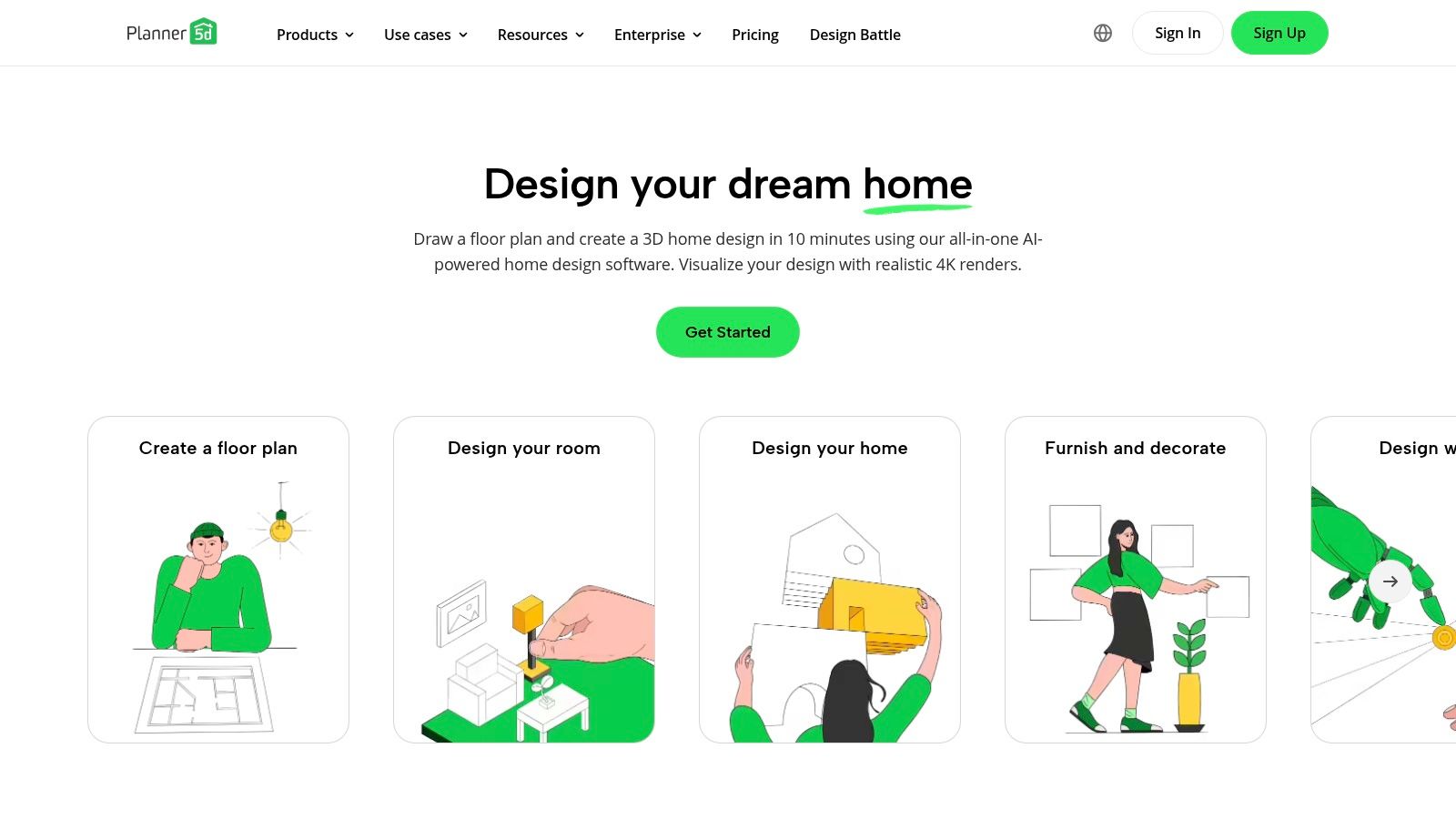
Unlike single-purpose tools, Planner 5D provides a mature ecosystem that includes 2D and 3D floor plan creation, a vast catalog of over 8,400 customizable items, and the ability to generate photorealistic "Snapshot" renders. This combination allows users to start with an AI-generated layout and then fine-tune every detail, from furniture placement to material finishes. Its availability across web, iOS, Android, and even Vision Pro makes it a highly accessible and flexible design solution for any project, including finding inspiration for different bedroom ideas.
Key Features and User Experience
- Core Functionality: AI-powered room furnishing and styling, 2D/3D floor plan creation, AI room scanning, and photorealistic rendering.
- Ideal User: Homeowners wanting a mix of automated and manual design tools, as well as interior design students and professionals looking for a comprehensive, multi-platform solution.
- Pricing: Free version with limited catalog access; paid plans unlock the full item library and advanced features.
The user interface, while feature-rich, can present a slight learning curve for absolute beginners compared to simpler apps. However, an extensive help center and numerous tutorials help onboard new users effectively.
| Feature | Planner 5D |
|---|---|
| Primary Use Case | Comprehensive 2D/3D room and home design with AI assistance |
| Pros | Blend of AI and manual controls, large asset library, cross-platform |
| Cons | Advanced features are behind a paywall, UI can be busy for new users |
| Website | https://planner5d.com/ |
6. Homestyler
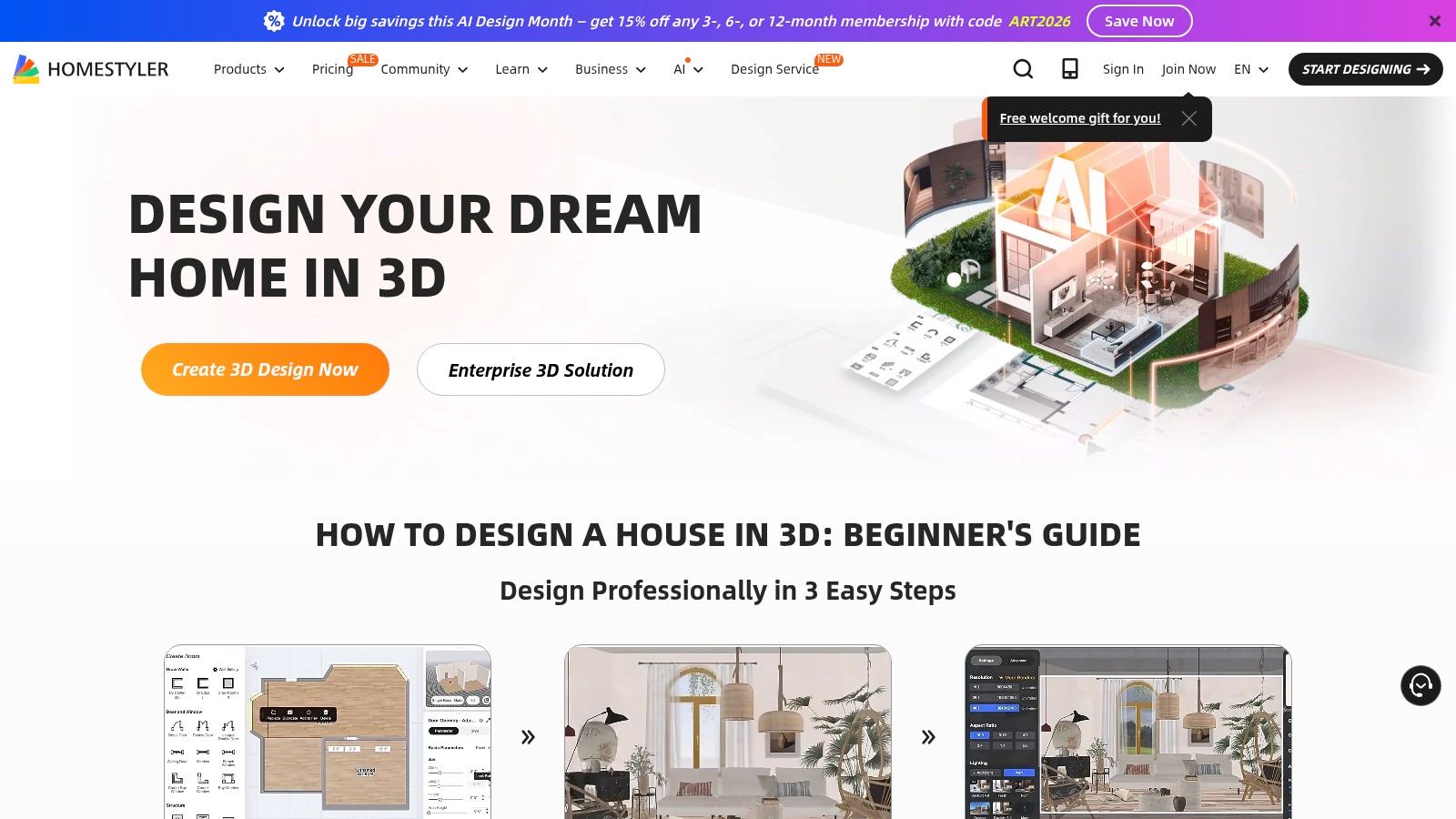
Homestyler is a powerful, cloud-based 3D interior design platform that scales from individual hobbyists to professional design teams. It integrates a suite of AI tools, including an AI Designer for generating concepts from photos, an AI Styler for applying different aesthetics, and an AI Modeler for creating 3D objects from text prompts. This comprehensive approach makes it a versatile tool for both creative exploration and detailed project planning.
The platform distinguishes itself with its collaborative features, such as team workspaces and shared brand libraries, making it a strong contender for agencies and design firms. Homestyler operates on a freemium model with a credit system for advanced AI functions and high-resolution rendering. Users can generate stunning visuals in 4K, 8K, and even 12K, providing photorealistic quality for professional presentations and portfolios. This makes it one of the best AI room design apps for users who need both collaborative tools and top-tier visual output.
Key Features and User Experience
- Core Functionality: AI-powered design generation, 3D floor planning, high-resolution rendering, and collaborative team workspaces.
- Ideal User: Interior designers, small agencies, and serious DIY enthusiasts who require advanced visualization tools, team features, and scalable, high-quality rendering options.
- Pricing: Offers a free basic plan. Paid plans and AI credits are required for advanced features like 4K+ rendering and extensive AI use.
While the platform is incredibly robust, new users may face a learning curve to master its full capabilities. The credit-based system for AI outputs means costs can accumulate for power users, but it also offers flexibility to pay only for the advanced features you need.
| Feature | Homestyler |
|---|---|
| Primary Use Case | Collaborative 3D floor planning and high-resolution design visualization |
| Pros | Scales from free use to enterprise, collaborative features, ultra-HD renders |
| Cons | AI features consume credits, potential learning curve for new users |
| Website | https://www.homestyler.com/ |
7. RoomGPT
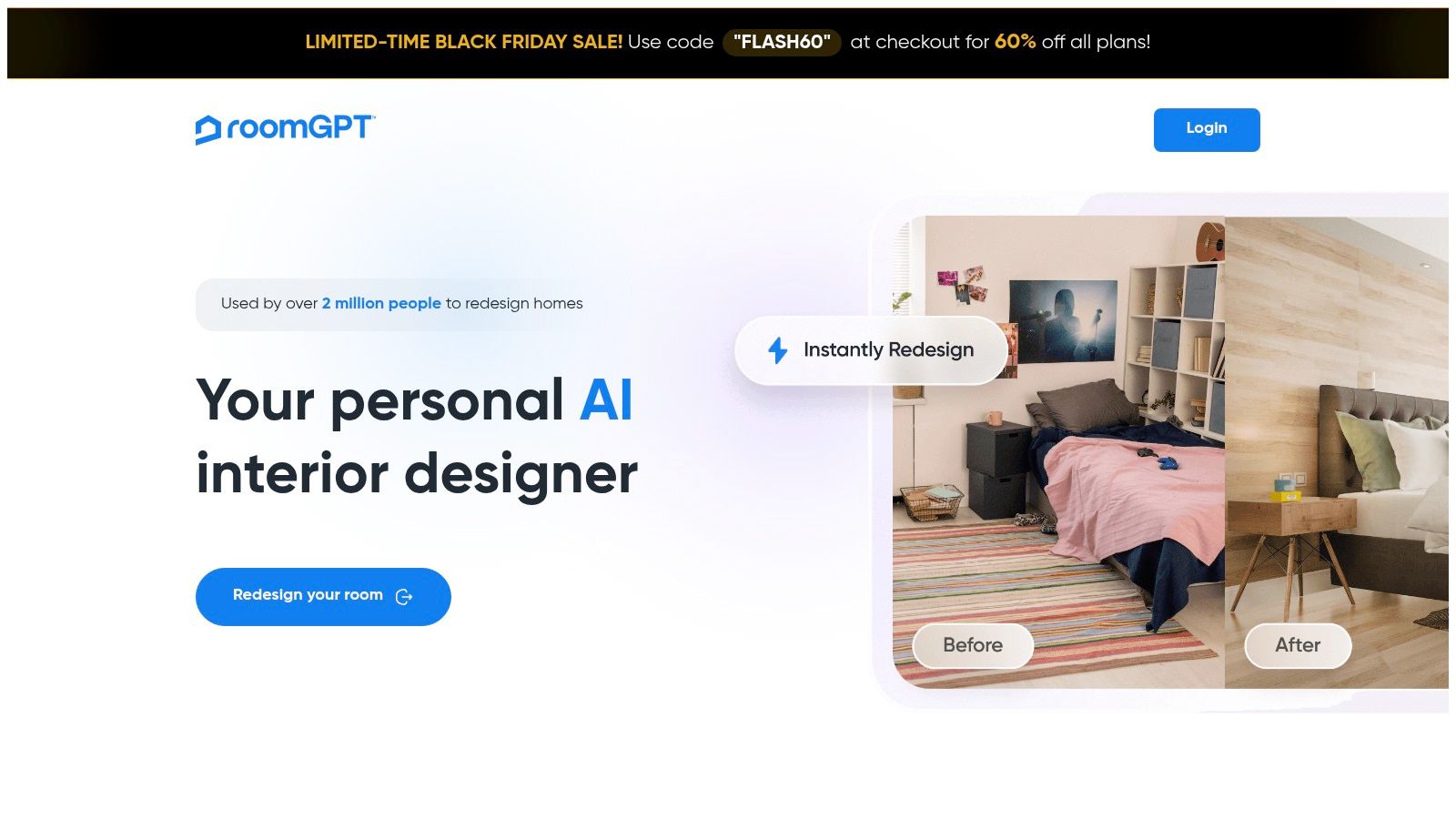
RoomGPT is a widely recognized name in the AI design space, celebrated for its speed and simplicity. It operates on a straightforward premise: upload a single photo of your room, select a design style, and receive multiple AI-generated redesign concepts in seconds. This frictionless workflow makes it one of the best AI room design apps for users who prioritize rapid ideation and inspiration over granular control.
Its standout feature is its accessibility. Without requiring complex software or design skills, anyone can quickly visualize how a room could look in styles ranging from Modern to Coastal. The platform’s lightweight, web-based nature means there's no software to install, allowing for immediate use. While it may not offer the intricate control of professional-grade tools, RoomGPT excels at providing a quick, engaging, and visual starting point for any home renovation or redecorating project.
Key Features and User Experience
- Core Functionality: Single photo upload for rapid generation of multiple design concepts in various pre-set styles.
- Ideal User: Homeowners and renters seeking quick, low-effort inspiration. It's also great for real estate agents or designers needing to produce fast visual mockups for clients without a significant time investment.
- Pricing: Offers a free plan with a limited number of credits. Paid plans are available for higher usage, starting at $14.99/month.
The user interface is minimalist and highly intuitive, focusing entirely on the upload-select-render process. The primary trade-off for this speed is a lack of customization options and variable realism in the final renders. However, for getting initial ideas on the table, its performance is hard to beat.
| Feature | RoomGPT |
|---|---|
| Primary Use Case | Quick, inspirational style visualizations |
| Pros | Extremely fast, very simple UI, low barrier to entry |
| Cons | Lacks fine-tuning controls, render quality can vary |
| Website | https://www.roomgpt.io/ |
8. REimagineHome
REimagineHome offers a versatile suite of AI-powered tools that extend beyond standard interior redesigns, positioning it as a powerful asset for real estate professionals and creative agencies. Its core strength lies in its ability to handle diverse visualization tasks, from virtual staging of empty rooms to complete exterior and landscape transformations. The platform also includes practical features like AI-powered clutter removal and seasonal adjustments, allowing users to present a space in its best possible light.
A key differentiator for REimagineHome is its scalability. It supports batch uploads and parallel processing, enabling users to efficiently manage multiple projects at once. Features like conversational AI for refining designs and shareable before-and-after sliders make it an excellent tool for client collaboration and marketing presentations, cementing its place among the best AI room design apps for professional use.
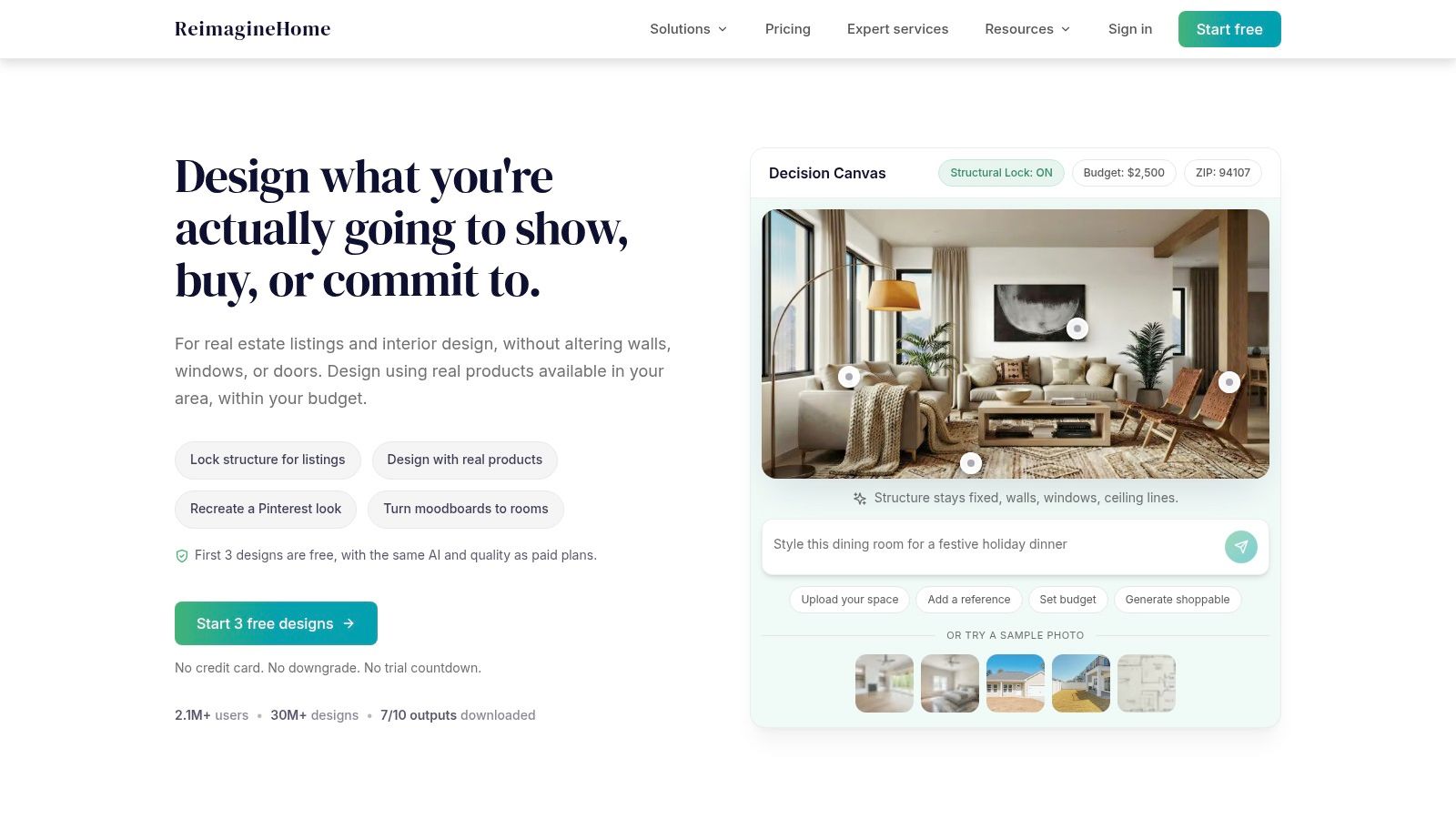
Key Features and User Experience
- Core Functionality: Virtual staging, clutter removal, exterior/landscape redesign, and batch processing.
- Ideal User: Real estate agents, property managers, and marketing agencies who need scalable, high-volume design and staging solutions. It is also suitable for homeowners looking for more than just interior style swaps.
- Pricing: Operates on a credit-based system. Plans range from a free trial to team subscriptions, with higher-quality outputs consuming more credits. API access is available for enterprise clients.
The platform's focus on workflow efficiency and its comprehensive toolset make it a professional-grade solution. However, users should be mindful of the credit system, as costs can vary based on usage and desired output quality. According to its FAQ, there are no refunds on canceled periods.
| Feature | REimagineHome |
|---|---|
| Primary Use Case | Scalable virtual staging, redesign, and marketing visuals for real estate |
| Pros | Broad toolset (interiors, exteriors), supports batch uploads, team options |
| Cons | Credit-based pricing can be complex, no refunds on canceled periods |
| Website | https://www.reimaginehome.ai/ |
9. Interior AI
Interior AI is a powerful, high-volume platform engineered for speed and versatility, making it one of the best AI room design apps for professionals and power users. Its core function is transforming user-uploaded room photos into redesigned concepts, offering various outputs including virtual staging, wall color changes, and lighting adjustments. The platform’s standout feature is its tiered quality system, allowing users to choose between rendering speeds and levels of photorealism like Flux or Hyper Realism.
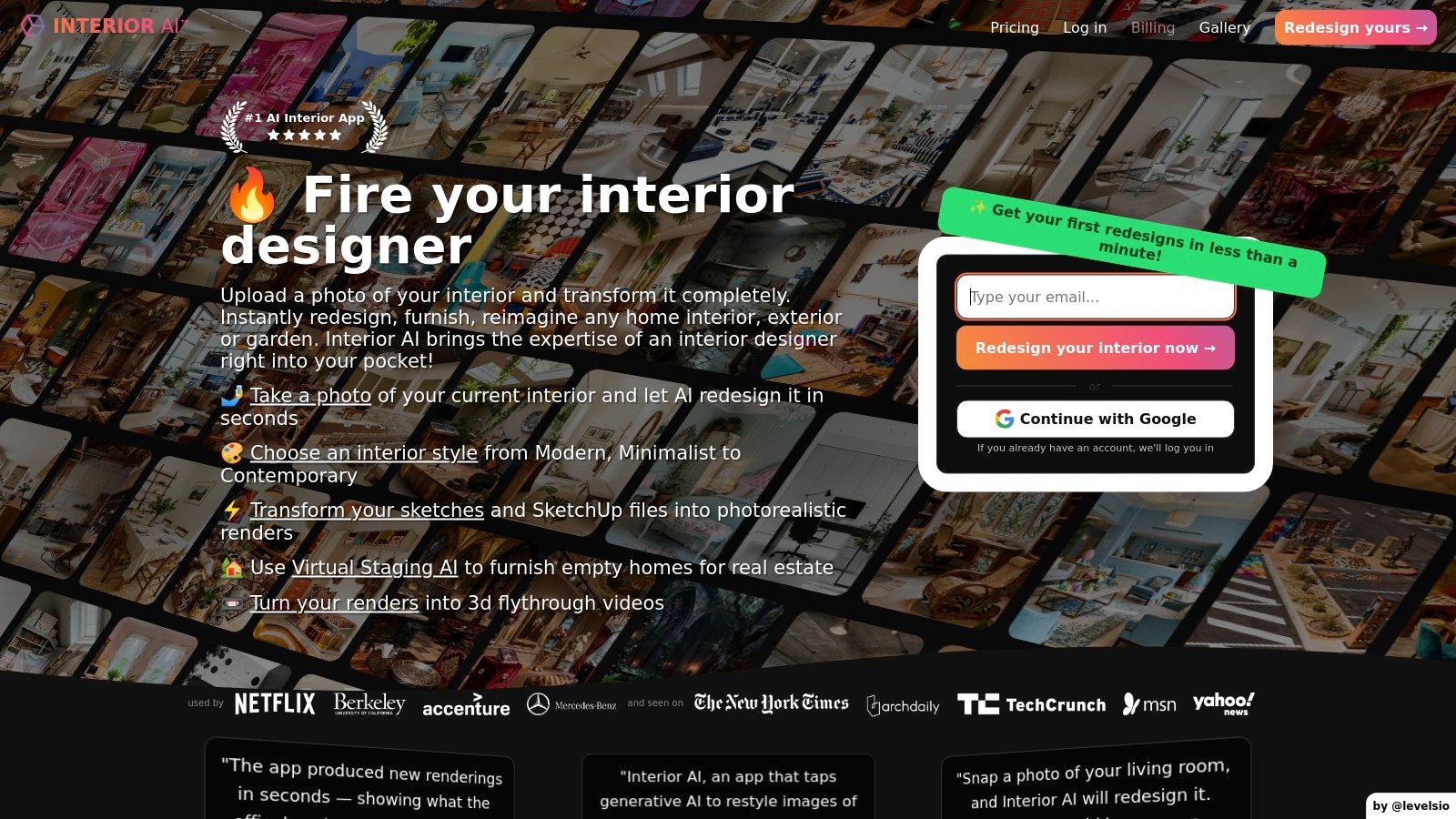
The platform supports parallel room generation and in-tool editing, streamlining the workflow for those handling multiple projects. For advanced visualizations, Interior AI can even generate video and VR walkthroughs from a single image. This makes it an invaluable tool for real estate agents and designers aiming to create immersive client presentations. Its focus on commercial use is clear, with dedicated licensing and plans designed for agencies that require thousands of designs monthly. For those just starting their design journey, exploring some minimalist living room ideas can provide a great foundation before using the tool.
Key Features and User Experience
- Core Functionality: Photo-to-render redesigns, virtual staging, video/VR walkthroughs, and tiered rendering quality.
- Ideal User: Real estate agents, professional home stagers, and design agencies who need to produce a high volume of quality renders quickly and require commercial usage rights.
- Pricing: Subscription-based, with tiers starting around $29/month, scaling up to enterprise-level plans for heavy usage.
The user interface is built for efficiency, though the distinctions between quality tiers like Flux and Hyper Realism can initially be unclear. The pricing model is geared more toward consistent professional use rather than one-off homeowner projects, which might be a barrier for casual decorators.
| Feature | Interior AI |
|---|---|
| Primary Use Case | High-volume virtual staging and professional redesigns |
| Pros | High-volume plans, commercial licensing, video/VR outputs |
| Cons | Confusing quality-tier names, pricing favors power users |
| Website | interiorai.com |
10. Fotor – AI Interior Design
Fotor stands out as a broadly accessible, consumer-friendly platform that integrates a dedicated AI interior design tool into its wider suite of photo editing features. It excels at generating quick stylistic variations of a room from a single uploaded image. Users can instantly see their space reimagined in styles like "Modern," "Minimalist," or "Bohemian," making it an excellent tool for brainstorming and developing mood boards.
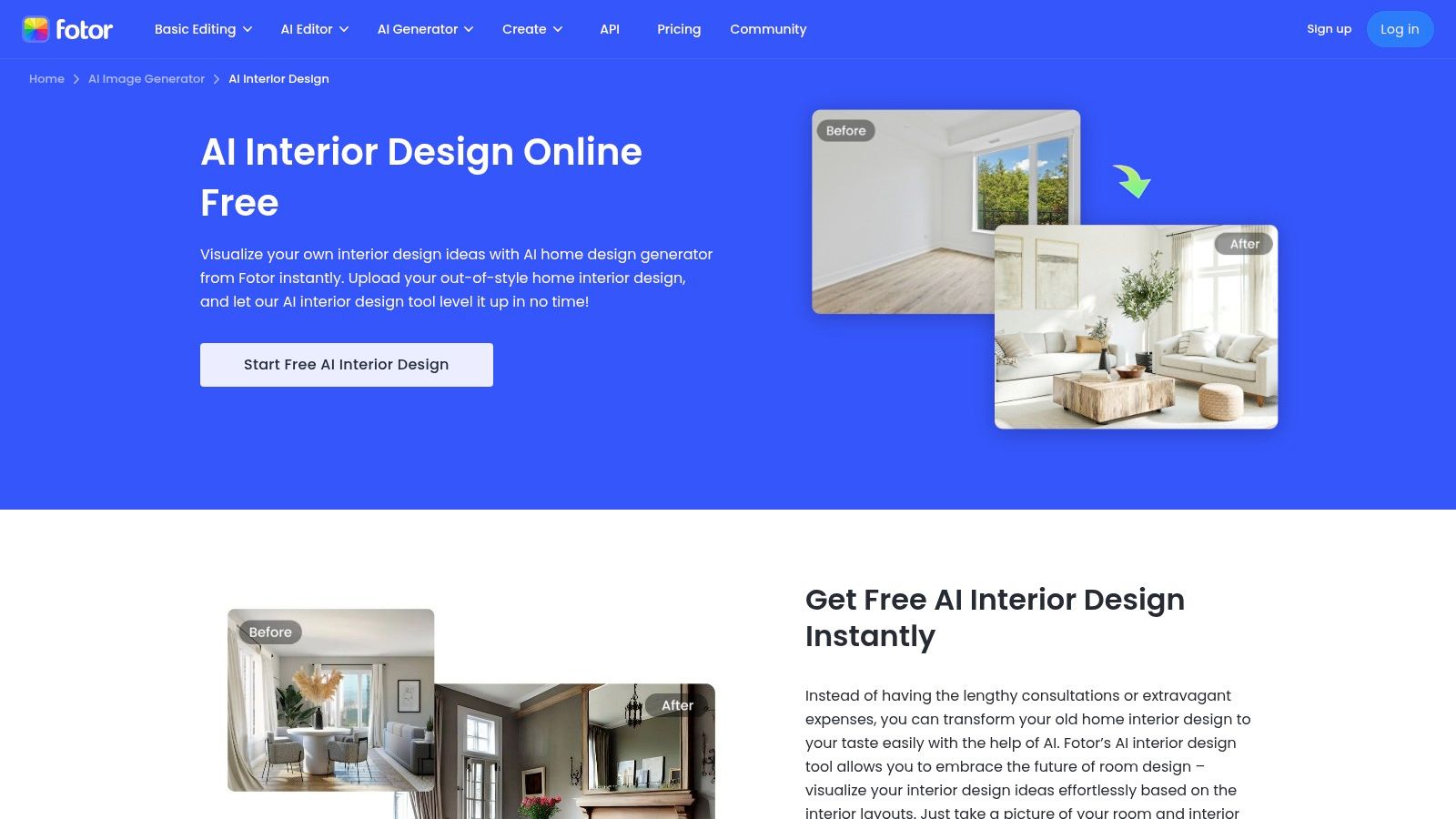
The platform's strength lies in its simplicity and speed, making it one of the best AI room design apps for users who want immediate visual feedback without a steep learning curve. Its in-painting functionality is particularly useful, allowing you to "paint over" an object like a sofa or a patch of wall and instruct the AI to replace it with something new. This granular control is ideal for testing specific changes without re-rendering the entire scene. If you're looking to explore a variety of options, there are several free AI interior design tools that can help you get started.
Key Features and User Experience
- Core Functionality: AI-powered room restyling from an image, in-painting for object and detail replacement, and a wide array of general photo editing tools.
- Ideal User: Casual home decorators, social media content creators, and DIY enthusiasts looking for quick and inspiring design ideas rather than precise architectural plans.
- Pricing: Offers a free tier with limited credits; paid plans (Fotor Pro from $8.99/month) unlock more credits, higher-quality outputs, and advanced features.
Available on both web and mobile (iOS/Android), Fotor is built for on-the-go editing and sharing. While it may not offer the architectural precision of professional-grade software, its low barrier to entry and creative flexibility make it a powerful tool for visual discovery.
| Feature | Fotor – AI Interior Design |
|---|---|
| Primary Use Case | Quick, stylized room redesigns and mood board creation |
| Pros | Easy to use, fast results, good for social sharing |
| Cons | Lacks architectural precision, realism is dependent on the source image quality |
| Website | fotor.com/features/ai-interior-design/ |
11. ZMO.AI – Room Planner
ZMO.AI's Room Planner offers a highly accessible, browser-based solution for rapid interior redesigns, positioning it as one of the best AI room design apps for quick, experimental visualizations. Its core strength lies in its simplicity: users upload a photo of their room, select a room type and desired design style, and the AI generates a new concept in seconds. This one-click transformation is ideal for exploring different aesthetics without any technical overhead or software installation.
The platform is part of a wider suite of AI imaging tools and operates on a credit system, providing a generous number of free credits daily. This allows users to experiment with numerous styles, from Modern to Bohemian, at no initial cost. While the tool is fantastic for generating inspiration and conceptual ideas, users seeking more granular control or professional-grade outputs will find its feature set more limited than dedicated interior design software. The ability to edit generated results directly in the tool adds a useful layer of refinement to the initial AI output.
Key Features and User Experience
- Core Functionality: Photo-based room redesigns using style and room-type presets, in-tool editing, and daily free credits.
- Ideal User: Homeowners, renters, and decor enthusiasts looking for fast, free inspiration. It is also a great tool for social media content creators who need to generate a variety of design concepts quickly.
- Pricing: Free tier with daily credits; paid Pro subscriptions are available for higher-resolution exports and more features.
The user experience is straightforward and requires zero design experience, making it perfect for beginners. The main trade-off for this simplicity is a lack of advanced customization and the need for a subscription to download high-quality images.
| Feature | ZMO.AI – Room Planner |
|---|---|
| Primary Use Case | Quick, AI-powered style experimentation for any room |
| Pros | Completely browser-based, generous free tier, fast |
| Cons | High-resolution exports require a Pro plan, limited professional controls |
| Website | zmo.ai/room-planner/ |
12. HomeDesignsAI
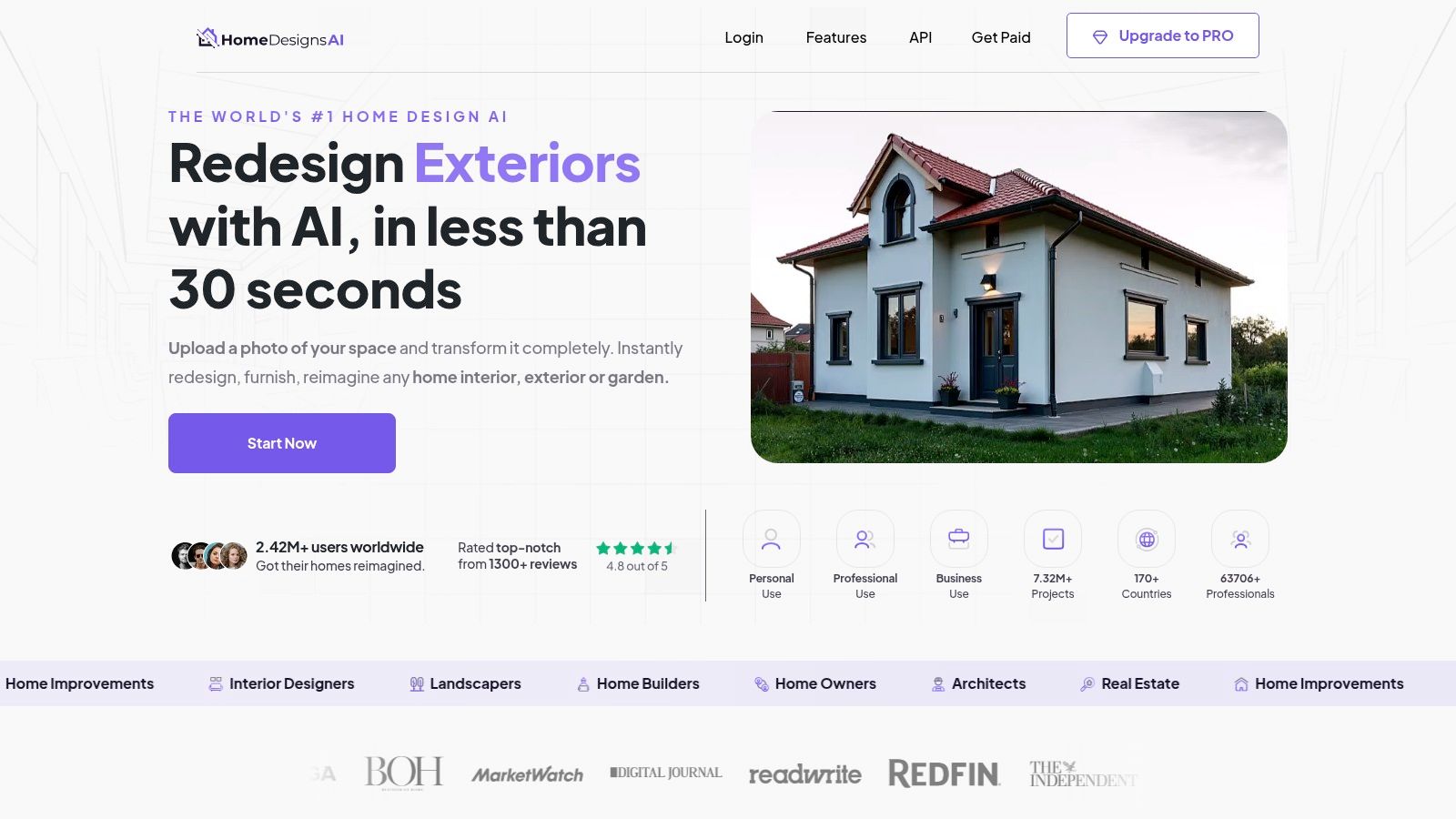
HomeDesignsAI positions itself as a versatile AI redesign service that extends beyond typical interior spaces to include exteriors and gardens. Its strength lies in its wide array of transformation modes, allowing users to perform specific tasks like swapping colors and textures, filling empty rooms with furniture, or even changing the color of the sky in an exterior shot. This breadth makes it a practical tool for various home improvement and real estate marketing projects.
The platform offers a unique “Furniture Finder” feature, which helps users identify and source furnishings similar to those in the AI-generated designs. With over 40 distinct styles and numerous space type modes available depending on the subscription plan, it provides substantial creative flexibility. HomeDesignsAI is a strong contender among the best AI room design apps for users who need a comprehensive set of features at a competitive price point, including options for unlimited designs on certain annual plans.
Key Features and User Experience
- Core Functionality: AI-powered interior, exterior, and garden redesigns with modes for color/texture swaps, design transfer, and furnishing empty spaces.
- Ideal User: Real estate agents, property managers, and homeowners looking for a comprehensive tool that handles both indoor and outdoor visualizations. Its cost-effective plans also appeal to frequent users.
- Pricing: Tiered subscription model with monthly and annual options. Some annual plans offer unlimited design generation, though fair usage policies may apply.
The user experience can sometimes be interrupted by aggressive marketing overlays prompting upgrades. While the feature set is robust, it's important to note that access to advanced modes and higher image quotas is tied directly to the subscription tier.
| Feature | HomeDesignsAI |
|---|---|
| Primary Use Case | Redesigning interiors, exteriors, and gardens with multiple AI modes |
| Pros | Broad range of modes, competitive pricing, includes outdoor spaces |
| Cons | Aggressive upsells on site, feature access is tied to plan tiers |
| Website | homedesigns.ai |
Top 12 AI Room Design Apps — Feature Comparison
| Product | Core features | Speed & Quality (★) | Price & Value (💰) | Target (👥) | Unique selling points (✨) |
|---|---|---|---|---|---|
| 🏆 RoomStudioAI | Photo & sketch → photoreal redesigns; visual search; collaboration; up to 4K | ★★★★☆ — <30s; preserves perspective & lighting | 💰 Studio $15/mo · Pro $49 · Enterprise $90 · predictable tiers | 👥 Homeowners, designers, real estate pros | ✨ Shop-the-look visual search; sketch→real; team links; presentation-ready 4K |
| IKEA Kreativ (IKEA U.S.) | 3D scene scanner; true-to-scale IKEA placement; templates | ★★★☆☆ — accurate scale via mobile scan | 💰 Free · direct purchase from IKEA catalog | 👥 IKEA shoppers, DIY homeowners | ✨ True-to-scale IKEA catalog + buy-direct flow |
| Wayfair Decorify | Upload photo → photoreal restyles; shoppable Wayfair items | ★★★☆☆ — photoreal tied to inventory | 💰 Free to use · purchases through Wayfair | 👥 Inspiration shoppers, Wayfair customers | ✨ Large retail catalog; buy-from-design workflow |
| Houzz (Visual Match + AR) | Visual Match, AR 'View in My Room', inspiration & marketplace | ★★★★☆ — trusted marketplace; variable availability | 💰 Free app · marketplace purchases; rich reviews | 👥 Discovery-focused users, pros, homeowners | ✨ Massive product catalog + pro directory & reviews |
| Planner 5D | AI Designer, room scanner, floor plans, large asset catalog | ★★★★☆ — photoreal 'Snapshot'; pro controls | 💰 Freemium · paid tiers for advanced libraries/renders | 👥 DIYers, designers wanting pro controls | ✨ Blend of AI automation with manual CAD-like tools |
| Homestyler | AI image & 3D generation (credit-based), team workspaces, high‑res renders | ★★★★☆ — scalable 4K/8K/12K renders | 💰 Tiered pricing + purchasable AI credits | 👥 Hobbyists → teams & enterprise | ✨ Team workspaces + scalable high-res rendering |
| RoomGPT | One-photo → multiple styled outputs; rapid ideation | ★★★☆☆ — very fast, simple outputs | 💰 Freemium / low-cost for quick iterations | 👥 Casual users, quick inspiration seekers | ✨ Extremely low-friction ideation |
| REimagineHome | Virtual staging, empty→furnished, batch uploads, conversational AI | ★★★☆☆ — scalable staging; credit-based quality | 💰 Credit plans · agency/team scaling | 👥 Real estate pros, creators, agencies | ✨ Batch processing + before/after sliders + API |
| Interior AI | Multi-tier quality (Flux → Ultra), parallel generation, VR/video outputs | ★★★★☆ — tiered realism; high-volume options | 💰 Paid tiers · commercial licensing available | 👥 Power users, commercial teams | ✨ Walkthrough/VR outputs & large-volume plans |
| Fotor – AI Interior Design | 'From Image' redesigns, in‑painting, mobile apps | ★★★☆☆ — easy edits; social-ready outputs | 💰 Freemium · consumer pricing | 👥 Casual users, social creators | ✨ In‑painting for targeted furniture/wall tweaks |
| ZMO.AI – Room Planner | One-click style transforms, daily free credits, in-tool edits | ★★★☆☆ — quick one-click experiments | 💰 Free tier · Pro for hi-res exports | 👥 Fast experimenters, browser users | ✨ Daily free credits + zero-install web flow |
| HomeDesignsAI | Many modes (color/texture swap, design transfer), Furniture Finder | ★★★☆☆ — varied modes; quality can vary | 💰 Competitive pricing · yearly plans with higher quotas | 👥 Budget-conscious users, varied-mode needs | ✨ Broad transformation modes & Furniture Finder |
Final Thoughts
Navigating the landscape of AI-powered interior design can feel overwhelming, but as we've explored, the right tool can fundamentally change how you approach a space. The evolution from simple floor planners to sophisticated AI engines that can restyle, refurnish, and render a room in minutes marks a significant shift for professionals and homeowners alike. The era of guesswork is over; we are now firmly in an age of data-driven, visually rich, and highly accessible design.
This guide to the best AI room design apps has demonstrated the incredible diversity available. From the seamless e-commerce integration of Wayfair Decorify and Houzz to the detailed 3D modeling and community features of Homestyler and Planner 5D, each platform serves a distinct purpose. Simpler, prompt-based tools like RoomGPT and Interior AI offer unparalleled speed for brainstorming, while more specialized applications like HomeDesignsAI cater to architectural and exterior visualizations.
Key Takeaways for Choosing Your Design Partner
The central theme is clear: the "best" app is entirely subjective and depends on your specific goals. A DIY enthusiast planning a weekend living room refresh has vastly different needs than an interior design firm preparing a high-stakes client presentation or a real estate agent staging multiple properties virtually.
To make an informed decision, consider these core factors:
- Project Scope and Complexity: Are you brainstorming initial ideas or creating a detailed, client-ready render? For quick inspiration, a simple photo-to-render tool might suffice. For complex projects requiring precise measurements and multiple revisions, a platform with robust editing and collaboration features is essential.
- Realism and Image Quality: The required level of photorealism is a crucial differentiator. If your goal is to create compelling marketing materials or secure client buy-in, high-resolution outputs (like 4K exports) are non-negotiable. For personal mood boarding, lower-resolution images may be perfectly adequate.
- Workflow Integration: How does the tool fit into your existing process? For professionals, features like team collaboration, commercial licensing, and the ability to preserve a room's core architecture are critical. Homeowners might prioritize an intuitive user interface and integrated shopping features.
- Budget and Scalability: Your financial commitment will guide your choice. Free tools like IKEA Kreativ are excellent for specific use cases, while subscription models offer advanced features and higher usage limits. Evaluate pricing tiers based on your projected volume and the return on investment the tool provides.
The Future is Collaborative and Photorealistic
The most powerful trend emerging among the best AI room design apps is the move toward a professional-grade standard. Tools are increasingly focused on delivering not just inspirational concepts but actionable, high-fidelity visuals that respect the original space's integrity. Layout preservation, advanced lighting adjustments, and commercial-use licensing are becoming the new benchmark. This shift empowers users to move beyond simple style generation and into the realm of true virtual renovation and staging.
Ultimately, these platforms are more than just software; they are creative partners. They break down the barriers of a blank canvas, democratize design visualization, and accelerate the journey from a simple idea to a fully realized space. By carefully evaluating your needs against the features we've detailed, you can select an AI companion that not only simplifies your design process but also elevates your creative potential.
Ready to transform your spaces with unparalleled realism and speed? If you're looking for a professional-grade tool that combines photorealistic redesigns, layout-preserving technology, 4K exports, and seamless team collaboration, RoomStudioAI is engineered to meet your needs. Start creating stunning, client-ready visuals today by exploring RoomStudioAI.
Ready to redesign your space?
Try our AI interior design tool and see your room transformed in seconds.
Try Free Design

